


Share your details in one tap, get theirs back with consent, and pick up every introduction right where you left it.

  • Free forever plan
  • No app needed for the people you meet
  • UK GDPR consent on every exchange
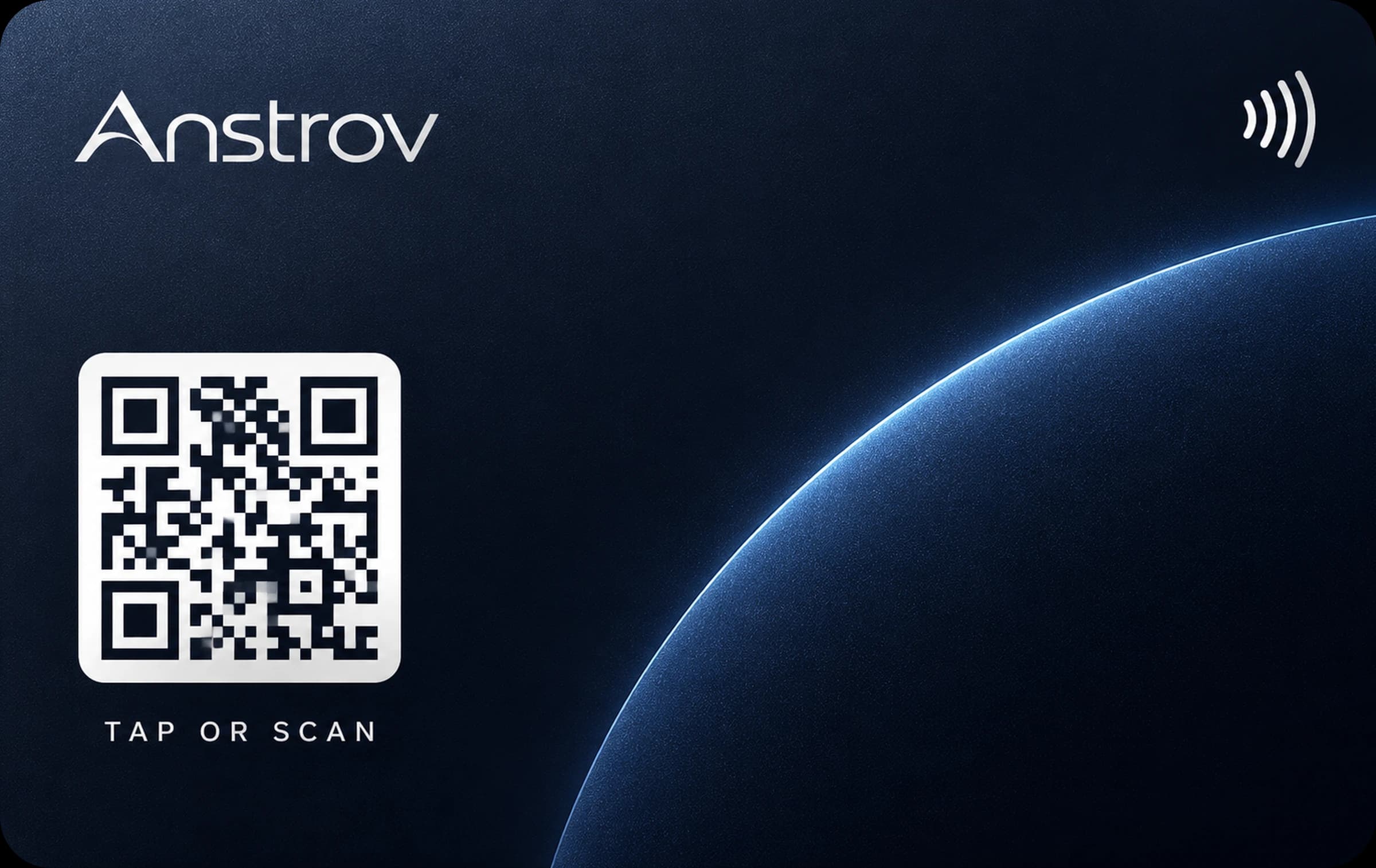
Animation: a metal NFC card taps a phone, the digital card opens, it is saved to contacts, and the other person sends their details back.

Works with the tools you already use

Works with the tools you already use

HubSpot
Salesforce
Dynamics 365
Pipedrive
Zoho CRM
GoHighLevel
Zapier
Okta
Microsoft Entra ID
Google Workspace
Google Calendar
Outlook
Calendly
Apple Wallet
Google Wallet
YouTube
Vimeo
Gmail

At the stand, over coffee, on the train home. Anstrov keeps the details and the context, so a good conversation can carry on long after the first hello.

  1. Digital card

    A card that’s unmistakably yours

    Your photo, links, video and booking page on one card, shared by tap, QR code or link. The person you meet saves you in one tap, with nothing to download.

    • Photo, cover, bio and every link
    • Share by NFC, QR code or link
    • Saved to their contacts in one tap

  2. Card scannerEvery plan

    From paper card to saved contact

    Point your camera at a paper card. The text is read for you to check, then saved straight into your contacts before the moment passes.

    • Snap any paper card
    • Check every field before it’s saved
    • Keep the photo only if you choose to
  3. Contact exchangeEvery plan

    They share their details back

    Visitors to your card can send you their details in one step. Consent is recorded every time, the contact lands in your list instantly, and you can invite them to make a card of their own.

    • Consent recorded with every contact
    • Protected from spam and bots
    • Invite them to make their own free card
  4. Notes & follow-ups

    Remember why you met, then follow up

    Add notes and tags while it’s fresh: the event, the ask, the next step. Set a reminder, or write the follow-up now and have it sent when you choose.

    • Private notes and tags on every contact
    • A reminder in your inbox when it’s time
    • Follow-up emails sent on schedule
  5. CRM & export

    Follow up where you already work

    Export a clean CSV on any plan. With a team, new leads go to HubSpot or Salesforce automatically.

    • HubSpot and Salesforce sync
    • Automatic retries if your CRM is busy
    • Signed webhooks for your own tools

iPhone Android

The Anstrov app. The same account as the web, built for the moment you meet someone.

Create your free cardComing to the App Store and Google Play.
  1. Home

    Everything you need, one tap from Home.

    Your card, your link and the people you met. Copy the link, open it, show the QR code or edit the card, right from the first screen.

  2. Share

    Share it any way they like.

    Messages, email, WhatsApp, LinkedIn, AirDrop and NameDrop, with a QR code that works offline. On Android, tap phones together.

  3. QR and Wallet

    Full screen. Full brightness. Or straight from your wallet.

    A permanent code that opens your card even after you change its address, and a pass for Apple Wallet and Google Wallet.

  4. Scanner

    Paper cards, read on the spot.

    Fit the card in the frame. We read it, you check the fields we were unsure about, and it is saved with tags and a reminder.

  5. Event mode

    Hand your phone over.

    Event mode turns it into a sign-up form. Consent is recorded, and every sign-up stays on the phone until you are back online.

  6. Analytics and Pro

    See what works. Upgrade in a tap.

    Views, taps, scans and exchanges by day. Pro is bought through the App Store or Google Play and managed from your store account.

Also in the app.

Home-screen widget

Your QR code on the home screen. One tap and it fills the screen.

iPhoneAndroid

Tap to share

Touch the back of your phone to theirs. Your card opens on their phone, no app needed.

Android

Apple Watch and Wear OS

Your QR code on your wrist, ready when your hands are full.

iPhoneAndroid

App Clip

Tap an Anstrov card and the card opens in a clip, with nothing to install.

iPhone

Works offline

QR code, wallet pass and event mode keep working with no signal. It all syncs later.

iPhoneAndroid

Push notifications

New contacts, card swaps, NFC activity and reminders. You choose what you get.

iPhoneAndroid

Quick Settings tile

Share from the Android quick settings without opening the app.

Android

Sign in your way

Sign in with Apple, Face ID, an email code or single sign-on through your company.

iPhoneAndroid

Your people are your first impression. Give everyone a card that looks like your company and keeps working when roles change.

Brand control

One brand, every card

Lock your logo, colours, template and email signature for the whole company, or give each office its own brand. Invite people one by one or from a CSV, and give an NFC card to someone new the day a colleague leaves.

Team leads

From first hello to your pipeline

  • Run a campaign for each show: every lead is tagged, with a report per event
  • Organise people into offices and teams, as admins, managers or members
  • Shared team contacts, and leads that stay with the company when people leave
  • Sync new leads to HubSpot or Salesforce in the background
  • Team analytics by person, office and team

CRM sync

Leads go straight to your CRM

Connect HubSpot or Salesforce once. Every new lead from your team is created there automatically, with retries if your CRM is busy.

Webhooks & API

Build on your contacts

Signed webhooks for new leads and team changes, and a REST API with your own keys. Your data, in your systems.

Links never breakOld addresses redirect for good
Downgrade deletes nothingExtra cards pause, never vanish
Your contacts stay yoursExport or delete them any time
No app for anyoneYour card opens in any browser

Estate agents

Leave your card at every viewing. Buyers save you in one tap, long after the brochure is lost.

Recruiters

Swap details at careers fairs and get candidates’ details back with their consent.

Founders

Pitch, tap, done. Investors leave with your card, your deck and your calendar.

Sales teams

Leads from the stand reach HubSpot or Salesforce before you’re back at the office.

Event teams

Run a campaign for each show. Every lead from the stand is tagged, ready to follow up.

Consultants

Let people book the next meeting straight from your card.

Hospitality

Give the whole team NFC cards and hand them on when people move on.

Freelancers

Portfolio, showreel and contact details in one link that never breaks.

How do I make a digital business card?

Sign up with your email or Google. Your first card is created for you from your name; add a photo, links and details, and it’s ready to share.

Is Anstrov free?

Yes. Your card, with NFC, QR code, links and contact exchange, is free for as long as you like.

Do the people I meet need the app?

No. Your card opens in any phone’s browser, and they can save you to their contacts in one tap.

How do NFC business cards work?

The card holds your permanent link. Tap it on a phone and your card opens. Change your details any time and the card stays the same.

Can I use Anstrov with my team?

Yes. Team adds a company dashboard, brand lock, offices and teams, event campaigns, shared team contacts and NFC card management.

Does it work with my CRM?

Yes. On the Team plan, teams can sync new leads to HubSpot or Salesforce, and Enterprise adds webhooks and a REST API. Anyone can export contacts to CSV.

Can Anstrov remind me to follow up?

Yes. Set a reminder on any contact and we’ll email you when it’s due.

What happens to the photo when I scan a card?

By default it’s read and then discarded. If you choose to keep photos, they’re stored privately for 30, 90 or 365 days and then deleted.

How is consent handled?

People who send you their details tick a consent box first, and we record when. You can export or delete contacts at any time.

Can I sign in with Google?

Yes. Google and your email and password open the same account, so you never end up with two.

What happens if I stop paying for Pro?

Nothing is deleted. Your main card stays live, extra cards pause, and everything comes back if you upgrade again.

Still have a question?

Write to us and a person will reply.